
Automatic updates
Yes, SpamDuster Cloud updates itself; there is nothing for you to install. The server checks for a new release every 6 hours and installs it. Threat signatures and filter rules refresh continuously in the background as well.
Only releases signed by us are installed. An update takes 2 to 4 minutes, rolled back automatically if anything goes wrong.
Check for an update now
- In the console, open Updates.
- Select Check for updates now.
The page shows each step as it runs. You can leave the page: the update carries on without it.
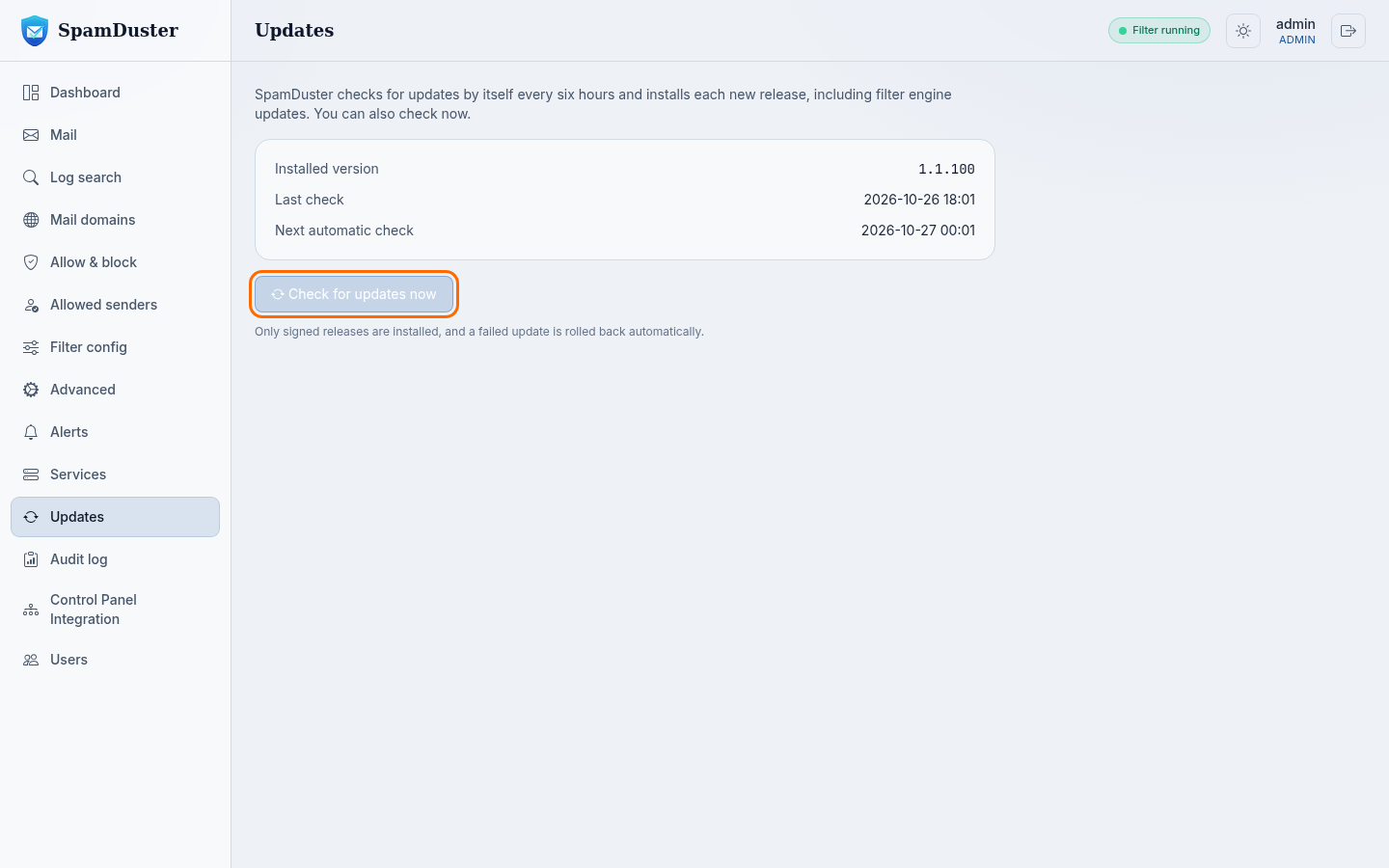
See which version is installed
Updates shows the Installed version, the Last check and the Next automatic check.
Does an update interrupt mail
An update can restart the filter for a short moment. Mail servers that cannot deliver during that moment try again shortly afterwards, as they always do, so no mail is lost.
Updated 2026-10-26Need help? Open a ticket in the billing portal.