Change your password
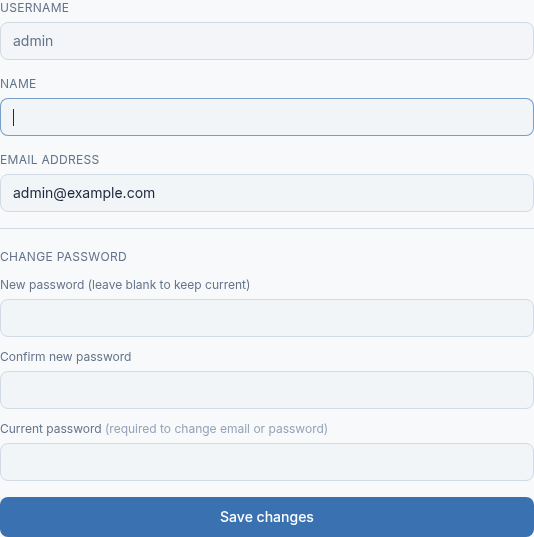
- Select your name at the top right of the console to open My profile.
- Enter the new password in New password and again in Confirm new password. It must be at least 10 characters.
- Enter your Current password.
- Select Save changes.
Change your email address
- Open My profile.
- Enter the new address in Email address.
- Enter your Current password.
- Select Save changes.
Password reset links go to this address. For the first administrator account, alert emails go to it too, so keep it an address someone reads.
Forgotten your password
You cannot see My profile without signing in. Use Forgot password? on the sign-in page instead. See I can't sign in to the console.
Updated 2026-10-26Need help? Open a ticket in the billing portal.