
How long mail logs are kept
Mail logs are kept for 90 days unless you change it. You can choose any period of 30 to 365 days.
- In the console, open Log search.
- Enter the number of days in Keep mail logs for (days).
- Select Save.
Older logs are deleted nightly.
How long copies of mail are kept
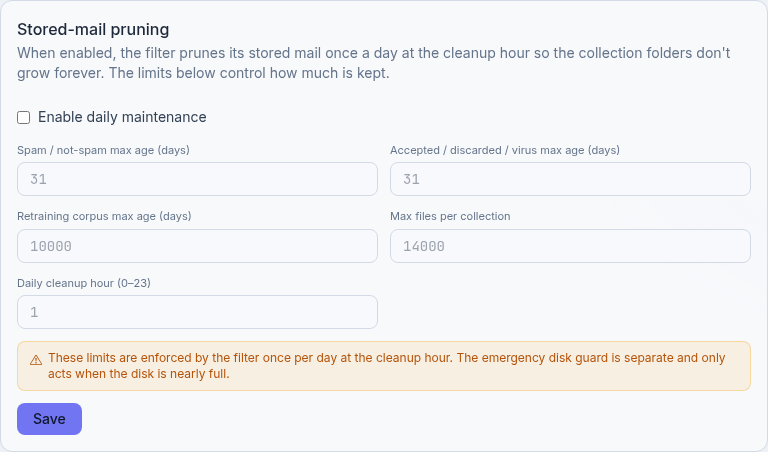
Copies of mail in the Mail page folders are pruned once a day by the stored-mail maintenance.
- In the console, open Advanced.
- Under Stored-mail pruning, tick Enable daily maintenance.
- Set the maximum age in days for Spam / not-spam max age (days) and Accepted / discarded / virus max age
(days).
0keeps mail forever. - Set Daily cleanup hour (0–23).
- Select Save.
How much of each message is kept
Store complete mail in Advanced sets how much of each message is stored. Releasing blocked mail needs the complete message, so choose a limit larger than the mail you may need to release. Larger limits use more disk.
When the disk is nearly full
If the server's disk is nearly full, SpamDuster deletes the oldest logs and stored mail first, whatever the settings above, to keep space free for filtering. Recent files are kept.
Updated 2026-10-26Need help? Open a ticket in the billing portal.